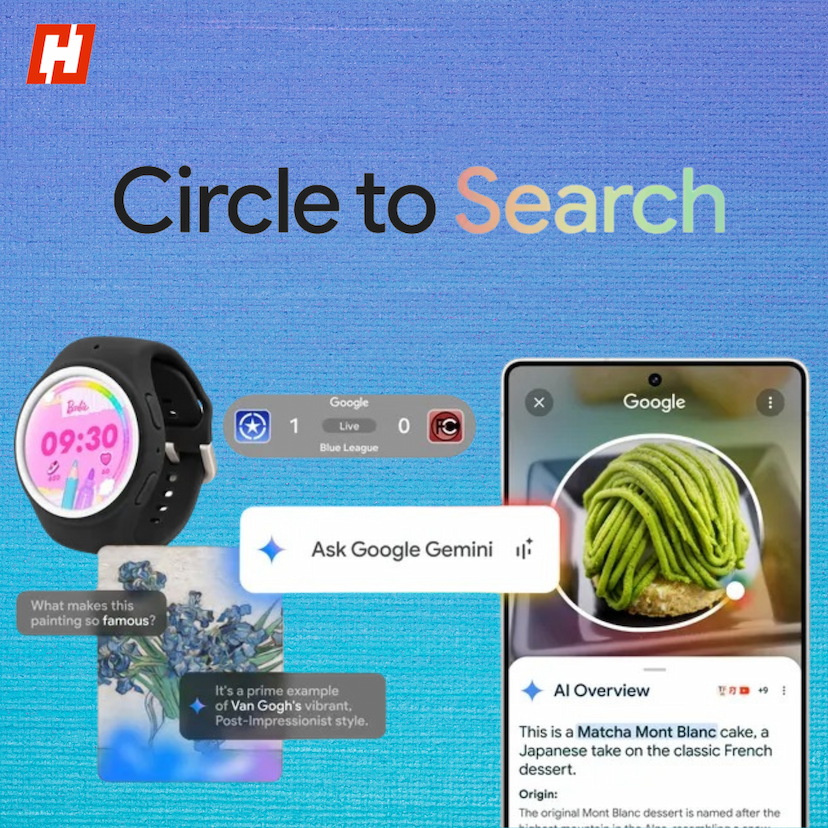
Google’s Circle to Search is a powerful yet often overlooked feature that allows Android users to search for information directly from their phone’s screen. Whether you want to identify a product, translate a snippet of text, or simply learn more about something you see online, this tool makes the process seamless.
What Is Circle to Search?
Circle to Search enables you to select on-screen text or images and initiate a Google search without leaving your current app. This integration means no more switching between apps or juggling with copy-paste functions—just circle or highlight what you need and watch the results appear instantly.
How to Activate Circle to Search
- Activation depends on your phone’s navigation settings:
- 3-Button Navigation: Long press the Home button.
- Gesture Navigation: Long press the navigation bar at the bottom of the screen.
- A search bar will then pop up, alongside a selection overlay for highlighting your content.
Using Circle to Search
- Activate: Long press the Home button or navigation bar.
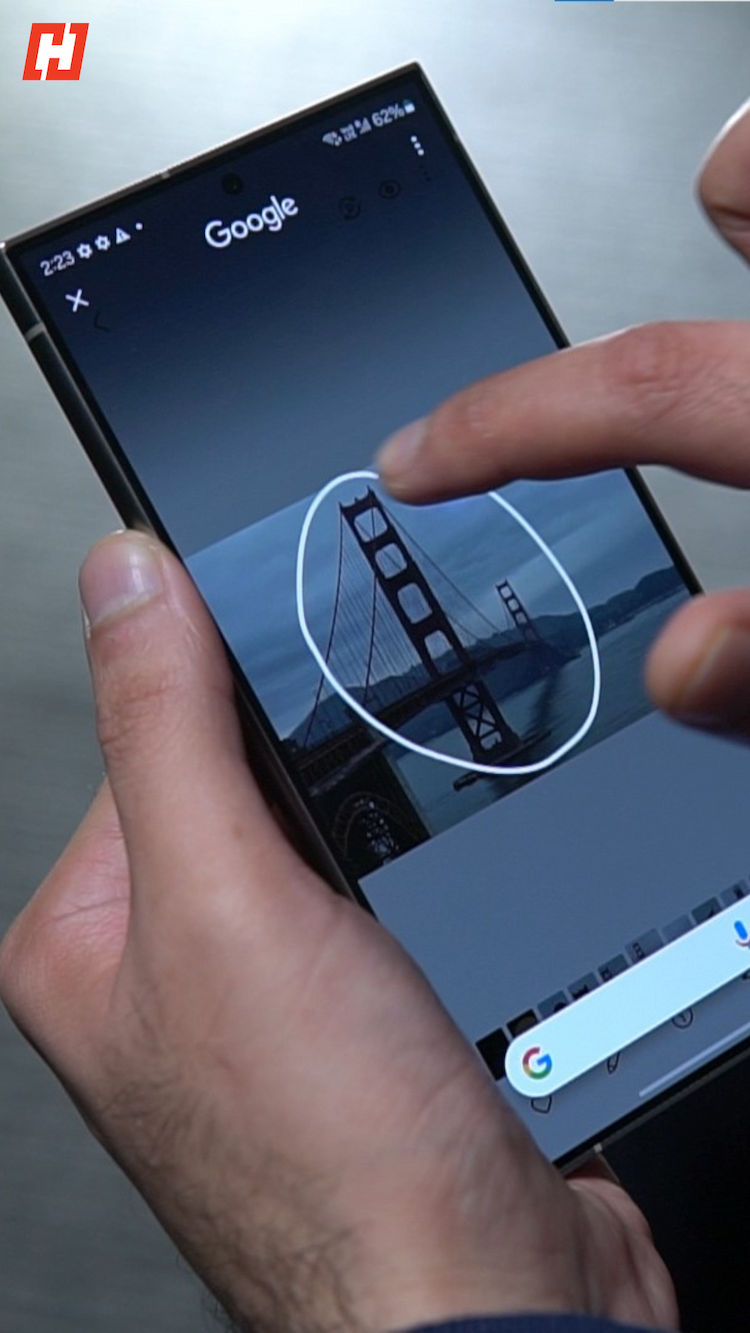
- Circle or Highlight: Use your finger to outline text or an image.
- Check Results: Swipe up on the search bar to view the information found.
- Refine: If necessary, edit the query for a more precise outcome.
Practical Applications
- Object Identification: Instantly learn about an animal, plant, or product you see in a photo.
- Text Translation: Translate foreign language text with a simple highlight.
- Online Shopping: Compare prices and discover similar items.
- Quick Information: Get context on unfamiliar words, topics, or references.
- Media Discovery: Identify songs, movie references, or actors from a clip.
Availability & Alternatives
Currently, Circle to Search is found on select Android devices. Keep your system up to date to access this feature. If it’s unavailable on your device, Google Lens offers similar capabilities through the Google app or your camera, enabling object recognition, text translation, and real-time searches.